
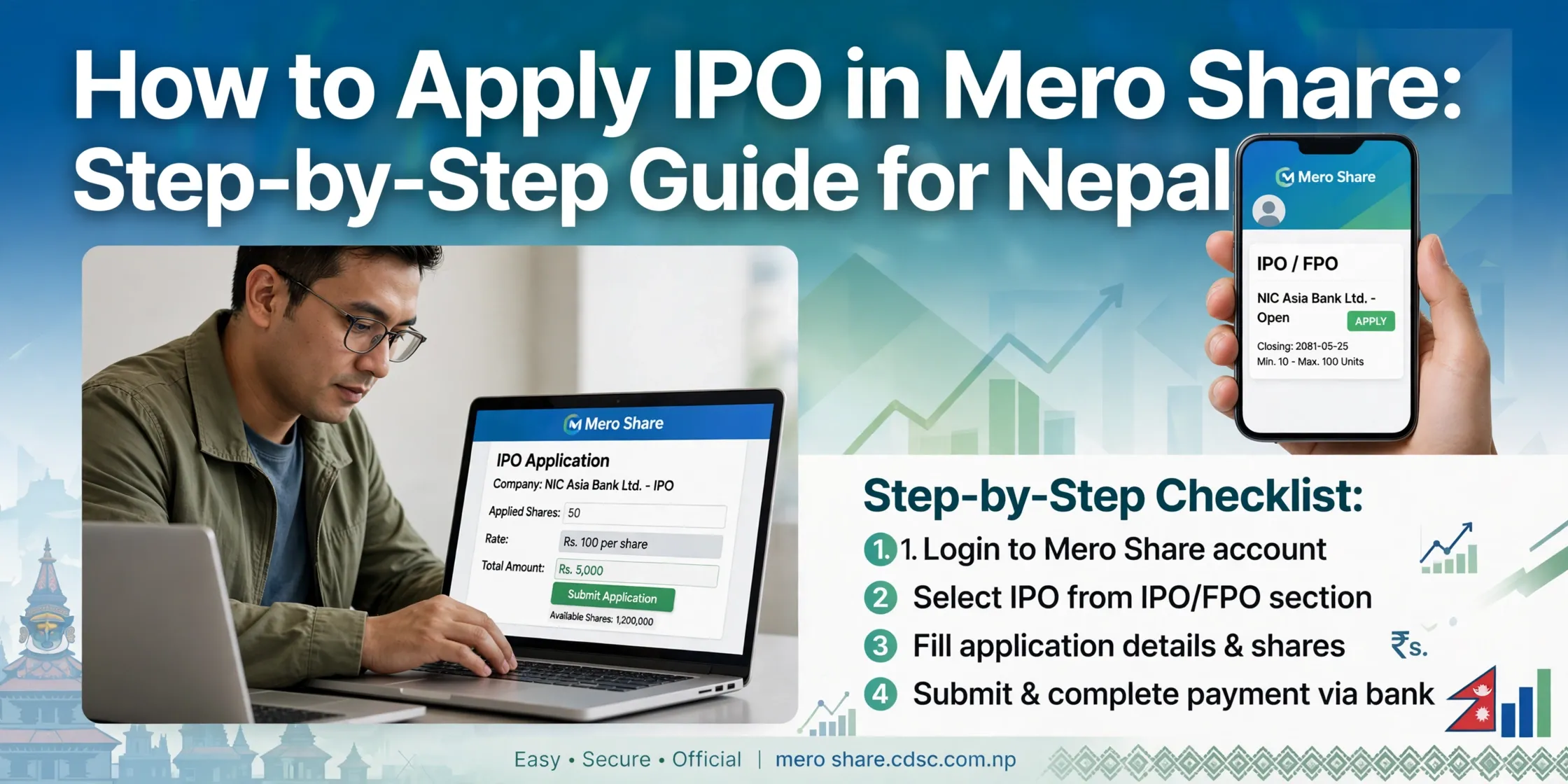
To apply for an IPO in Nepal through MeroShare, sign in, open My ASBA, select an open issue, enter the application quantity and your bank's CRN, then confirm with your transaction PIN. The application amount is normally blocked in your bank account through ASBA rather than immediately debited; the bank processes the final amount according to the allotment result.
This guide covers the required accounts, C-ASBA registration, application steps, quotas, status checks, and common mistakes. Always check the issue's prospectus and the current MeroShare screen for the final eligibility, unit limits, and deadline.
What You Need Before Applying
Before submitting an application, make sure you have:
- A Demat account and its 16-digit BOID.
- An active MeroShare account linked to that Demat account.
- A bank account registered for C-ASBA.
- The CRN issued by your bank.
- Enough available balance for the quantity you plan to apply for.
- Your MeroShare transaction PIN.
MeroShare is operated by CDS and Clearing Limited (CDSC). For a Demat account and MeroShare setup walkthrough, see our Demat and MeroShare guide.
What Are ASBA and CRN?
ASBA means Application Supported by Blocked Amount. When you apply for an issue, the application amount is generally blocked in your linked bank account. If shares are allotted, the required amount is debited; otherwise, the bank releases the block through its process.
CRN means Customer Reference Number. Your bank provides it after C-ASBA registration. You need to enter the correct CRN when applying through MeroShare.
| Term | Meaning |
|---|---|
| Demat account | Account that holds securities electronically. |
| BOID | The 16-digit Beneficial Owner Identification number for a Demat account. |
| MeroShare | CDSC's online portal for IPO applications and Demat-related services. |
| ASBA | Application process that blocks the required funds in a bank account. |
| CRN | Bank-issued reference used for C-ASBA applications. |
| Transaction PIN | MeroShare PIN used to confirm an application. |
How to Register for C-ASBA
- Contact your bank or check its official mobile-banking and online-banking services.
- Request C-ASBA registration for the bank account you plan to use.
- Submit the KYC or account details the bank requests.
- Receive your CRN and keep it private.
- Confirm that the bank account and CRN are available in MeroShare before applying.
If the bank or account does not appear in MeroShare, contact the bank before the issue closes. Do not enter a CRN supplied by another person or an unofficial website.
Step-by-Step: Apply for an IPO in MeroShare
- Sign in to MeroShare. Open the official MeroShare portal and choose your Depository Participant (DP).
- Open My ASBA. Select the current-issue application option shown in your account.
- Choose the issue. Confirm the company, share type, and eligible category before continuing.
- Select your bank account. Choose the account registered for C-ASBA.
- Enter the number of units. Follow the minimum and maximum stated for that issue.
- Enter your CRN. Type the CRN exactly as your bank provided it.
- Review the declaration. Check the issue, account, BOID, quantity, and application amount.
- Confirm the application. Enter your transaction PIN and submit.
- Check the application report. Return to My ASBA and confirm the application is recorded with an accepted or verified status.
If the status is not clear, or the bank block does not match your application, contact your bank or DP promptly while the issue is still open.
Example: Applying for 10 Units
If an issue's offer price is Rs. 100 per share and its minimum application is 10 units, the application amount is Rs. 1,000. The amount is generally blocked in your linked bank account while the application is processed.
- If shares are allotted, the amount due for the allotted shares is debited under the issue process.
- If no shares are allotted, the blocked amount is released by the bank.
The offer price and minimum units vary by issue. Use the actual terms shown in the prospectus and MeroShare rather than relying on this example.
How Many Units Should You Apply For?
The minimum application is often 10 units for public issues, but the prospectus sets the rules for each issue. Check both the minimum and maximum permitted quantity before submitting.
For an oversubscribed issue, allotment follows the published allotment method and eligibility rules. Applying for more units does not guarantee that you will receive more shares or improve your odds in a lottery-based allotment. Consider how much money you are comfortable having blocked and do not borrow or risk essential funds to apply.
IPO Quotas in Nepal
Some issues include separate categories, such as:
- General public.
- Eligible project-affected local residents, where an issue offers a local quota.
- Nepali citizens working abroad, where an issue offers a foreign-employment quota.
Each category has its own eligibility requirements and application details. Apply only to a category for which you qualify, and confirm the rules, documents, and issue selection in the prospectus. Availability of a quota is not the same for every IPO.
How to Check IPO Application Status
- Sign in to MeroShare.
- Open My ASBA.
- Go to Application Report.
- Find the issue and review its status.
- If the application is rejected, pending, or otherwise unclear, contact your bank or DP before the issue closes.
Save the application confirmation for your records. A submitted application is not necessarily a successful allotment; check both the application status and the later result.
How to Check IPO Allotment Result
After the issue manager announces allotment, check through MeroShare or the official CDSC IPO result portal. Use your own BOID and select the correct issue.
If allotted, the shares should be credited to your Demat account through the issue's settlement process before they can be traded. If not allotted, the blocked amount is released by your bank. For detailed result-check steps, see how to check an IPO result in Nepal. Once shares are available and listed, our NEPSE TMS guide explains secondary-market orders and MeroShare transfer steps.
Common Mistakes to Avoid
| Mistake | What can happen |
|---|---|
| Applying after the deadline | The application may not be accepted. |
| Entering the wrong CRN or bank account | The bank may not verify or process the application. |
| Submitting duplicate applications | Applications may be rejected under the issue's rules. |
| Applying for more than the available balance | The ASBA block may fail. |
| Choosing a category you are not eligible for | The application may be rejected. |
| Sharing a transaction PIN or OTP | Someone could access your account or submit transactions. |
Follow the issue's prospectus and application rules. Do not assume that a previous issue's deadline, minimum quantity, or category rules apply to a new one.
Safety Tips
- Use only the official MeroShare portal.
- Never share your MeroShare password, transaction PIN, OTP, CRN, or other sign-in details.
- Avoid IPO-result links sent by unknown people, social-media pages, or messaging groups.
- Check the company, issue, quantity, price, bank, and BOID before confirming.
- Keep your application confirmation and check the prospectus for the closing date and eligibility.
- For investor education and current regulatory notices, consult the Securities Board of Nepal and CDSC.
IPO applications do not guarantee an allotment or profit. Make decisions based on the official issue documents and your own financial circumstances.
Frequently asked questions
How do I apply for an IPO in Nepal using MeroShare?
Log in to MeroShare, open My ASBA, select an open issue, enter the units and your bank's CRN, accept the declaration, and confirm with your transaction PIN.
What is the minimum IPO application in Nepal?
Many public issues set a minimum of 10 units, but check the issue's prospectus and MeroShare application screen for the current minimum and maximum.
What is CRN in MeroShare?
CRN means Customer Reference Number. Your bank provides it after C-ASBA registration, and you enter it when applying for an issue.
Can I apply for an IPO without a bank account?
You need a bank account enabled for C-ASBA to apply through MeroShare.
Can I apply for an IPO after the closing date?
No. Submit before the published closing time; an issue can close earlier than its extended closing date if its terms allow.
How do I check my IPO application status?
Sign in to MeroShare and open My ASBA, then Application Report. Check the issue status and contact your bank or DP if it needs attention before closing.
How do I check an IPO result in Nepal?
Use the official CDSC IPO result portal or check MeroShare after the allotment is announced. Our IPO result guide explains both methods.
What happens if I do not get IPO shares?
The blocked ASBA amount is released according to the bank and issue process. Check your bank account and contact your bank if the hold remains after the expected period.
Try the free tools
Put this guide to work — every Solutions Nepal tool is free and needs no signup.