
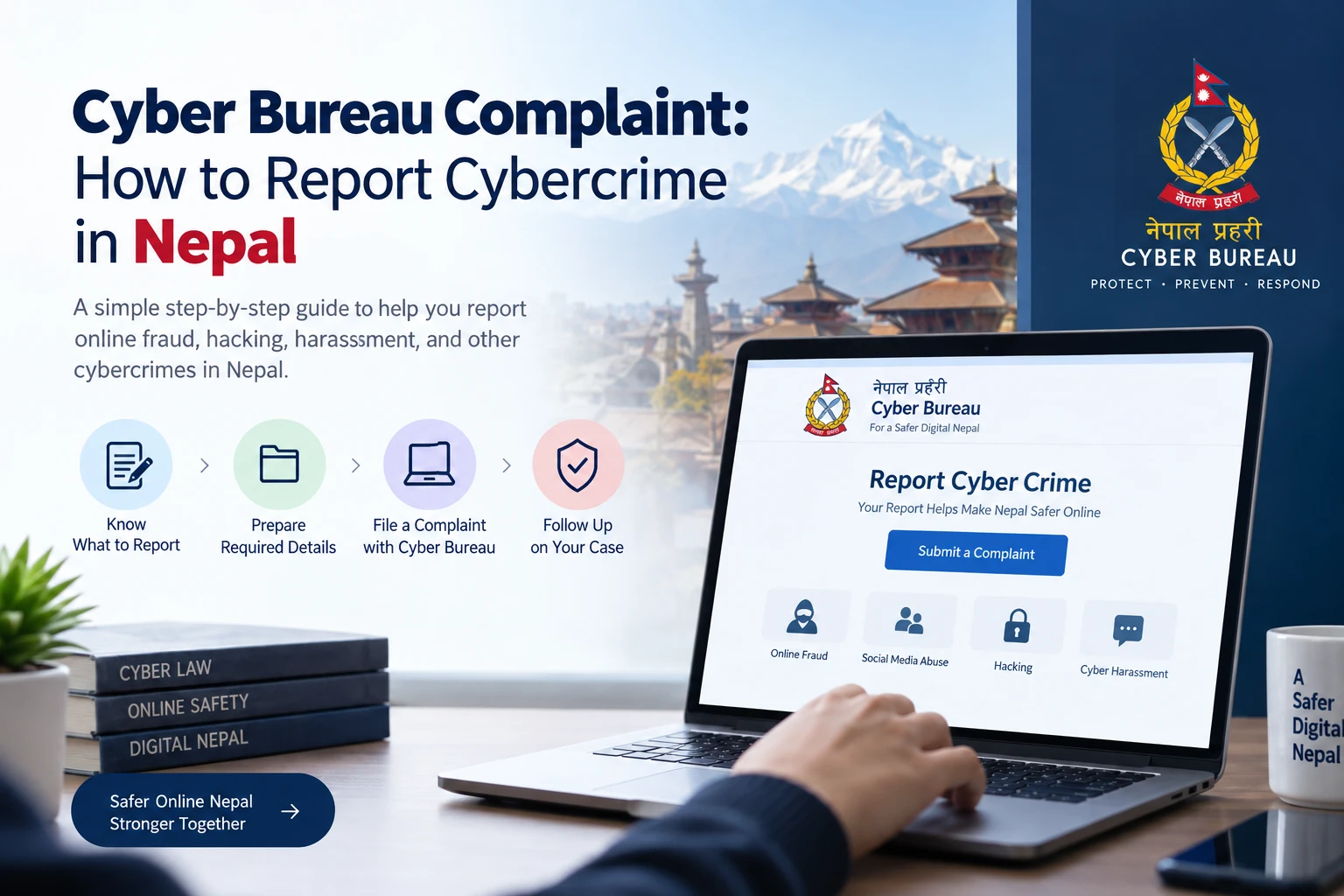
Quick Answer: How to Report Cybercrime in Nepal
Report suspected cybercrime — online payment fraud, hacked or fake accounts, harassment, blackmail, or someone posting your private images — through Nepal Police Cyber Bureau. The official route is:
- Pick the right form on the official complaint page: cyberbureau.nepalpolice.gov.np/report-cyber-crime
- Attach the two mandatory items: a copy of your identity document and the relevant URLs plus clear screenshots
- Submit through one of three officially listed channels: any district/area/ward police office or police circle or station, the Cyber Bureau itself at Bhotahity, Kathmandu, or email with complete details to cyberbureau@nepalpolice.gov.np
- Keep your copy and registration number, then follow up using the official contact page: cyberbureau.nepalpolice.gov.np/about-us/contact-us
The Bureau publishes a 24×7 duty line: +977 9851286770 or 01-5319044 extension 100 for general inquiries. All complaint steps, forms, contact details, and submission channels in this guide were checked against the official Cyber Bureau pages on October 17, 2026.
Where to Report: Three Official Channels
The complaint page lists three ways to submit a completed complaint with its attachments:
Reporting to a nearby police office and reporting to the Cyber Bureau are both valid. For case-specific or technical follow-up, the Bureau's own contact channels are the authority.
What Counts as a Cybercrime (and Which Form Fits)
The Bureau's complaint page categorizes reports into four downloadable forms, plus a separate track for offences under the Electronic Transactions Act, 2063 (2008):
Open every form from the official page so you get the current version — the financial-fraud form on that page is a recent revision, which shows the Bureau updates these files. Forms can be filled by typing or by handwriting in the same format, in English, Nepali, or both.
Step-by-Step: Filing a Cyber Bureau Complaint
- Identify the type of incident. Match it to one of the four categories above, or the ETA 2063 branch for computer-system offences.
- Preserve evidence first. Before deleting anything or changing accounts, photograph or export chats, posts, listings, and payment records. Deleting material can remove exactly the proof the complaint needs.
- Open the official reporting page and confirm the address ends in cyberbureau.nepalpolice.gov.np.
- Download the matching complaint form. Use the dedicated form for your category, or the general form if none fits.
- Complete the complaint accurately. Write or type the details available to you: what happened, when, where, and with whom. Typed and handwritten applications are accepted; institutional complaints should use official letterhead with the organization's stamp.
- Prepare the mandatory attachments: copy of the complainant's identity document, plus URLs and clear screenshots of the offending content or messages.
- Submit through an accepted channel. Hand it in at the nearest police office, go to the Cyber Bureau at Bhotahity, or email the complete package to the official address.
- Keep your own record. Save a copy of the application and every attachment, note the date and place of submission, and record the registration number if the receiving office issues one.
- Follow up officially. Use the Bureau's contact page and hotline extensions — see the follow-up section below.
Documents and Evidence to Attach
The complaint page marks these as mandatory (attach with your application):
Evidence that is strongly recommended by the nature of the case (not officially mandatory):
Good evidence practice:
- Take full screenshots that show usernames, dates or timestamps, and URLs, not cropped fragments
- Keep the original files; share only copies
- Record exact amounts, dates, times, account names, and mobile numbers in the application
- Store a backup copy of everything before handing over devices or changing accounts
Minors are covered by the official document list itself — the birth registration certificate replaces the citizenship-style ID copy. If you were a victim of fraud through banking channels, also see how dollar and foreign-currency cards work in Nepal for the records banks keep around online card payments.
Reporting by Incident Type
Online Financial Fraud and Payment Scams
Someone took money through an online trick — fake investment groups, phishing links, paid "jobs," romance-and-investment scams, or account-takeover payments. Use the Online Financial Fraud form, attach payment proof together with the mandatory ID copy, URLs, and screenshots.
- Contact your bank or wallet provider immediately through their official app, helpline, or branch — not through numbers or links sent by the person who took your money. Banks can sometimes stop or trace transfers when told quickly, but recovery is never guaranteed.
- Extension 108 (01-5319044, office hours) is the official follow-up line for online-fraud complaints.
- Report the same to the Bureau even if you feel embarrassed — official arrest notices show the Bureau acts on these cases routinely, including scams targeting people through KYC-update calls and fake e-service appeals.
Hacked, Fake, or Impersonating Accounts
Your account was taken over, or someone created a fake profile posing as you or someone you know. The Bureau lists one form covering Fake/Hacked IDs for recovery or closure, and extension 112 is the follow-up line.
Also use the platform side — it often acts faster than any complaint:
- Facebook: the Bureau's FAQ links Facebook's official report an imposter account page, with two practical notes: reports filed through the phone the victim usually logs in from tend to close faster, and in Facebook's form you can proceed by answering "No" to "Do you have a Facebook account?" (for example, when the hacker changed access details).
- Change the password and activate two-factor authentication as soon as you regain access, and warn contacts if the account has been misused.
Intimate Images, Obscene Content, and Blackmail
If intimate or obscene photos, videos, or audio of you — or a person you know — have been posted on social media, the Bureau provides a dedicated complaint form for exactly this situation.
- Preserve everything: post links, screenshots, attacker profiles, and any chat demanding money from you
- Do not pay the blackmailer, and do not keep negotiating. Payment has no guarantee of stopping the threats and often invites more demands
- If material has not yet been posted but you are being threatened with it, describe the facts in the application with your evidence; the "Other" form exists for any incident outside the named categories
- This is something done to you, not something you are at fault for. It is a police matter, and the complaint can be filed without discussing personal details with anyone except the authorities
Harassment, Threats, and Cyberbullying
Repeated abusive messages, threats of violence, or targeted humiliation online do not have a dedicated publicly listed form at the time of writing — file under the general ("Other") complaint form with chat evidence, usernames, profile URLs, and dates.
- Save the abuse before blocking anyone, and export chat backups where the platform allows it
- Report the account and messages to the platform's own tools, which can suspend offenders quickly
- If there is any credible threat to your physical safety, treat it as an emergency: go to the nearest police office or call the general police 100 line rather than waiting for a routine complaint flow
Unauthorized Access, Source-Code Theft, Organization Cases
Hacked company systems, stolen software code, or computer-related fraud beyond personal accounts fall under the Electronic Transactions Act, 2063, Section 9 — the offences branch the Complaint page links directly (the printed list covers source-code theft, unauthorized access, publication of illegal materials, and computer-related fraud).
For these, the page's guidance differs from personal complaints:
Use the general complaint form as the base for drafting, or follow the ETA branch instructions as printed on the complaint page.
Online Shopping Scams
You paid for goods that never arrived, or the "seller" disappeared after asking for advance payment. This is normally an electronic-medium (online) financial fraud: use the Online Financial Fraud form with payment receipts, the listing URL, seller profile, and chat history.
- Comparable platform reports: report the seller account on the marketplace or social network so it can be suspended for other buyers
- Never "verify" a purchase by sharing your OTP, card photos, or identification documents with a stranger online — legitimate sellers do not need these
Can You File a Cybercrime Complaint Online?
Partial. Be precise about what "online" means here, because three different ideas get mixed in public conversation:
- Downloading the complaint form online — yes, officially. All forms and the full instructions live on the official report page.
- Submitting a complaint by official email — yes, under a condition. The page explicitly authorizes emailing complete details to cyberbureau@nepalpolice.gov.np when you cannot attend in person. Include the completed form (or details in that format), your ID copy, URLs, and screenshots in one clear message.
- A fully online filing or case-tracking portal — not confirmed. No official online submission system is published on the Bureau's complaint or follow-up pages as of October 17, 2026. A downloadable form is not an online portal, and reporting an account to Facebook, Instagram, or TikTok is a platform process, not a police complaint — you can and often should do both.
- Contacting the Bureau online — yes. The published Facebook page (facebook.com/cyberbureaunepal), the 24×7 duty number, and the official email address are legitimate contact channels.
Cyber Bureau Contact Details and Office Location
| Information | Official details (checked 17 Oct 2026) |
|---|---|
| Official website | cyberbureau.nepalpolice.gov.np |
| Complaint instructions and forms | Report-Cyber-Crime page |
| Office location | Cyber Bureau, Nepal Police Headquarters, Bhotahity, Kathmandu |
| Duty officer (24×7) | +977 9851286770 or 01-5319044 ext. 100 |
| Official email | cyberbureau@nepalpolice.gov.np |
| Follow-up and hotline | Contact-us page + hotline extensions below |
| Official Facebook page | facebook.com/cyberbureaunepal |
Hotline extensions on 01-5319044 (listed for office hours):
Do not confuse these with the general Nepal Police emergency 100 control line and toll-free 16600141516 shown across Nepal Police sites — those are for emergencies, while the extensions above are the Cyber Bureau's administrative and follow-up lines. Contact details can change; treat the live official pages, not this article, as the final authority.
How to Follow Up on a Complaint
There is no public case-status portal, so follow-up means keeping good records and using the official lines:
What to Do Immediately After the Incident
The Bureau's own cyber-safety page and the complaint instructions point to practical first actions:
- Move fast if money is involved. Contact the bank or wallet provider through official channels right away and ask what they can do; report to the Bureau in parallel
- Secure the attacked accounts. Change passwords from a trusted, uncompromised device, log out other sessions where the platform offers it, and enable two-factor authentication (2FA/MFA) on everything important
- Preserve, do not purge. Save chats, URLs, screenshots, transaction records, and account names before resetting or wiping your phone
- Never share secret codes. Nobody legitimate asks for your OTP, password, PIN, or recovery code — never absolutely, not even someone claiming to be from the bank, police, or a mobile operator
- Report the platform too. Impersonating accounts, fake posts, and abusive content violate every major platform's rules — their rapid suspension can limit continued damage while your complaint proceeds
- Do not keep paying. Further payments or "fees to unlock a withdrawal" rarely change the outcome; stop and report instead
- Share verified prevention advice — the safety page warns against clicking unexpected links, trusting foreign-gift and customs-fee scams, fake online "jobs" asking for investment, and money requests over chat from a friend's "hacked" account (call to confirm identity first)
- Call 100 if you are in danger. Safety threats are immediate police telephone territory, not something to wait out while a written complaint is processed
Also talk to children and family members about online risks — the Bureau's tips explicitly recommend this at home.
Official Sources and Final Note
- Cyber Bureau — report a cybercrime (forms, mandatory attachments, submission channels)
- Cyber Bureau — contact and follow-up (numbers, extensions, address)
- Cyber Bureau — official FAQ (follow-up, law, Facebook imposter guidance)
- Cyber Bureau — cyber-safety tips
- Nepal Police — main website
- Electronic Transactions Act, 2063 (2008), Section 9 — computer offences, as linked by the complaint page
Procedures, forms, extensions, and evidence requirements can change at any time. All details here were verified against the official Cyber Bureau pages on October 17, 2026; confirm current instructions before you act. This guide is general information, not legal advice, and reporting a complaint does not guarantee prosecution, account recovery, or recovery of lost money. For other documentation journeys, see National ID registration, citizenship documents, and police clearance certificate (PCC) guides.
Frequently asked questions
How do I file a Cyber Bureau complaint in Nepal?
Open the official complaint page at cyberbureau.nepalpolice.gov.np/report-cyber-crime, download the form matching your incident, attach a copy of your identity document plus URLs and clear screenshots, and submit it at a police office, the Cyber Bureau itself, or by email.
Can I submit a cybercrime complaint online?
There is no online complaint-filing portal as of October 2026. The official site provides downloadable forms and instructions; if you cannot attend in person, you can email your complete complaint and attachments to cyberbureau@nepalpolice.gov.np.
What documents are required for a Cyber Bureau complaint?
The application on the official form (typed or handwritten, English or Nepali or both) plus, mandatorily, a copy of the complainant ID (citizenship, national ID, passport, or driving licence) and clear URLs and screenshots. For children, a birth registration certificate copy is listed instead.
Can I report cybercrime from outside Kathmandu?
Yes. The official instructions say complaints can be handed in at the nearest district, area, or ward police office, or a police circle or station across Nepal, not only in Kathmandu.
What is the official Cyber Bureau email address?
cyberbureau@nepalpolice.gov.np. Treat lookalike addresses as fake, and do not send documents to any other address.
Where is the Nepal Police Cyber Bureau office?
At Bhotahity, Kathmandu, under Nepal Police Headquarters. Detailed opening hours are not published on the complaint or contact pages, so confirm visit timing by phone before travelling far.
How do I report online banking fraud in Nepal?
Use the official Online Financial Fraud complaint form, contact your bank or wallet provider immediately through official channels, and call extension 108 (01-5319044) for follow-up. Extensions for status questions are described as office-hours lines.
How do I complain about a hacked Facebook account?
Use the Fake/Hacked ID complaint form for police, and also report to Facebook. The Cyber Bureau notes that reporting through the usual logged-in phone may close faster and suggests answering "No" to the "Do you have a Facebook account?" question in Facebook's imposter-report form. Extension 112 handles hacked or fake ID follow-up.
Can I report a fake social media account to the Cyber Bureau?
Yes. Fake and hacked accounts share the same official complaint form and the same follow-up extension (112), and you should also use the platform's own imposter or fake-account reporting tools.
How can I follow up on my complaint?
Keep your registration number (if one was issued), a copy of the application, and the submission date, then call 01-5319044 during office hours — extension 108 for online-fraud cases, 109 for whether a complaint is registered, 112 for hacked/fake IDs, and 114 if you emailed a complaint and have not received a registration number. A 24×7 duty line (+977 9851286770) is also listed for general inquiries.
Is there a fee for filing a cybercrime complaint?
No fee is mentioned on the official complaint instructions or contact pages. Confirm current practice directly with the Bureau, and never pay an unofficial agent who claims to speed up registration.
What should I do if I do not have the suspect's real name?
The official instructions ask you to provide available details as far as possible — profile and post URLs, account IDs, phone numbers, screenshots, and payment receipts. Digital traces can support police action even when the real name is unknown.
Can a minor report cybercrime in Nepal?
The official document list substitutes a birth registration certificate copy for the standard ID in the case of children. The Bureau does not state age rules publicly, so a parent or guardian should normally support a minor's complaint.
What should I do if someone threatens to publish my private photos?
Preserve all chats and evidence, do not pay or negotiate, and file with the Bureau. Use the obscene-content form if the material has already been posted; otherwise describe the facts in the application (the "Other" form may fit). Report the account to the platform as well, and seek immediate police help if you feel unsafe.
Try the free tools
Put this guide to work — every Solutions Nepal tool is free and needs no signup.