
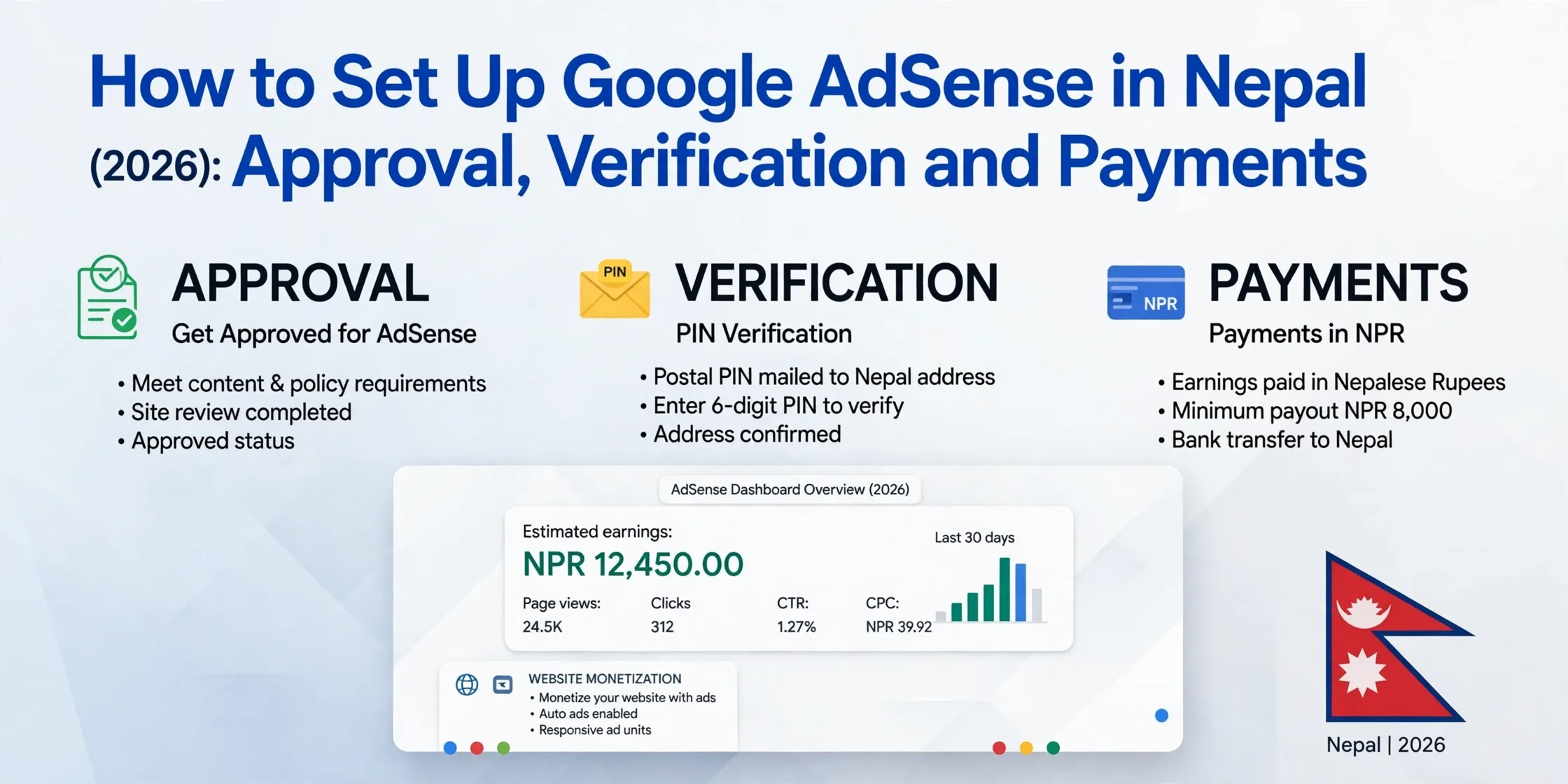
To set up Google AdSense in Nepal, create an account, add your website, place Google's verification code on the site, and complete your payments information. Google reviews the site and account; if approved, you may need to verify your identity and postal address before adding a payment method and receiving earnings.
AdSense is free to join. Approval is not guaranteed, and review and payment timelines can vary. This guide covers website publishers; for channel eligibility and AdSense for YouTube, see our YouTube monetization guide for Nepal.
What You Need Before Applying
| Requirement | Why it matters |
|---|---|
| Google account | Used to create and manage your AdSense account. |
| Live website or blog | Google needs to be able to access and review your site. |
| Original content | Your content must comply with AdSense programme policies. |
| Valid phone number | Google may ask you to verify your account or contact details. |
| Complete postal address | Google uses your payments address for verification and correspondence. |
| Government-issued photo ID | May be required for identity verification. |
| Bank account | Needed if you plan to receive eligible payments by bank transfer. |
Review Google's AdSense programme policies before applying. Do not apply with a placeholder site or content copied from other publishers.
Create an AdSense Account
- Go to Google AdSense and sign in with your Google account.
- Enter your website address and choose Nepal as your country or territory.
- Select an individual or organization account, as appropriate.
- Enter the payee name exactly as it appears on your identity and bank records.
- Add your full postal address, including the correct postal code, and a valid phone number.
- Review and accept the AdSense terms.
- Complete the payments information requested in your account.
Use the account type and payee details that match your actual circumstances. Google may restrict changes to a payments profile's country or payee information later.
Connect Your Website
- Copy the AdSense verification code provided in your account.
- Add it between the
<head>and</head>tags on your site, following Google's instructions. - Confirm that the site is live, loads reliably, and is easy to navigate on mobile and desktop.
- Check that Google can access the pages and that your site has enough original content to review.
- Return to AdSense and request the site review.
Keep the code in place while Google reviews the site. Google says setup must be completed within six months or the account may be deactivated. Starting June 2026, Google may also require identity verification before the account can show ads or receive payments; if requested, complete it within 45 days to avoid pausing account activation.
AdSense Approval Process and Timeline
| Stage | What is checked | Indicative timing |
|---|---|---|
| Account setup and review | Payments details, site content, policy compliance, navigation, and verification code | Usually a few days; sometimes 2–4 weeks |
| Identity verification | A government-issued photo ID and, depending on location, possibly a video selfie | Complete it within 45 days if requested; timing depends on the verification method |
| Address verification | PIN delivery to the payments address | Often about 3 weeks by post |
| Payment | Eligible balance, payment method, and cleared account holds | Usually between the 21st and 26th of the month when eligible |
These are estimates, not guaranteed deadlines. Check your AdSense account for current review status, holds, and deadlines. Google's account setup guidance has the latest setup and identity-verification requirements. Approval for a site does not remove the need to meet ongoing programme policies.
Verify Your Identity
Google may require identity verification before your account can start showing ads or receiving payments. If AdSense asks you to verify:
- Sign in to AdSense and open Payments → Verification check.
- Submit a current, valid government-issued photo ID from the options shown for your account. Depending on your location, Google may also ask for a video selfie.
- Make sure the name on the document matches your payments profile.
- Upload clear, unobstructed images of every side requested.
- Complete the process within 45 days of Google's request to avoid having account activation paused, and check AdSense for the result.
The documents accepted can depend on the account and verification request. The options shown in your account are authoritative; do not assume every Nepal-issued document will be accepted. For PAN registration steps, see our personal PAN guide for Nepal.
Verify Your Address With a PIN
Address verification is separate from identity verification. Google says the address-verification threshold is USD 10 or the local equivalent. When prompted, check that your payments address is complete and can receive post. Google sends a PIN to that address; delivery can take about three weeks.
- Confirm your name and postal address in AdSense.
- Wait for the PIN letter.
- Enter the PIN in AdSense exactly as instructed.
- Complete verification within the deadline shown in your account. The usual window is four months from PIN generation.
If the PIN does not arrive, follow the replacement-PIN instructions in AdSense. Do not guess the PIN repeatedly; use the help and support options shown in your account.
Add a Bank Account and Receive Payments
After the payment section becomes available in your account:
- Open Payments → Payments info.
- Select Manage payment methods, then Add payment method.
- Enter the bank details required for the method shown in your account.
- Set the method as primary if AdSense asks you to choose one.
- Save the details and check for any verification steps or payment holds.
Available payment methods depend on your payments address. Google lists cheque, Electronic Funds Transfer (EFT), Single Euro Payments Area (SEPA), and wire transfer for supported countries; PayPal Hyperwallet is available only in selected countries. Check Google's country payment-method list and the methods actually offered in your AdSense account rather than relying on a list from another country or account.
For a wire transfer, ask your bank for the exact beneficiary name, account number, bank name, branch, SWIFT code, and any intermediary-bank details required. Confirm whether the account can receive international payments and whether the bank charges fees. Our guide explains how to open a bank account in Nepal.
| Payment stage | What to know |
|---|---|
| Identity verification | May be required before ads can show or payments can be received; follow the request and deadline in your account. |
| Address verification | Triggered at USD 10 or the local equivalent. |
| Add a payment method | The minimum depends on the payments currency and account settings. |
| Payment threshold | Varies by currency and payment method. Earnings below the threshold roll over. |
| Payment date | Eligible payments are generally issued between the 21st and 26th of the month, once holds are cleared. |
Google's steps to getting paid explain the current verification and payment stages. If you also receive foreign income, review the relevant tax rules and keep your payment records; our guide to tax on remittance in Nepal explains common distinctions.
Common Approval Problems
| Problem | What to check |
|---|---|
| Site is under construction | Publish useful, original pages before requesting a review. |
| Site does not load | Check hosting, DNS, SSL, and whether Google can access the pages. |
| Verification code is missing | Place the code in the location Google specifies and leave it there during review. |
| Policy issue | Remove content or implementations that violate AdSense policies; review the notice in your account. |
| Payee name does not match | Use the legal name that matches your identity and bank records. |
| Postal address is incomplete | Add enough detail for local post delivery, including the correct postal code. |
| Phone verification fails | Use a valid number and follow the format and verification options provided by Google. |
Read the specific status or policy notice in AdSense and correct that issue before requesting another review. Reapplying without addressing the reason may lead to another rejection.
Account Safety Tips
- Use only the official AdSense website and protect the Google account that owns the payments profile.
- Never buy traffic, clicks, or followers, and never click your own ads.
- Publish original work; do not copy, scrape, or lightly rewrite another publisher's content.
- Do not share your AdSense password, verification PIN, or identity documents with unofficial agents.
- Keep your address, payee name, and bank information current, and save payment statements for your records.
- Check Google's current instructions before changing account, verification, or payment details.
For the full sequence, see Google's help pages on setting up AdSense, signing up, and identity verification.
Frequently asked questions
How do I set up Google AdSense in Nepal?
Create an AdSense account, add your website, place Google's verification code on it, complete your payments details, and wait for Google's review.
How long does AdSense approval take in Nepal?
Reviews can take a few days or longer; a site review may take a few days to 2–4 weeks. The timing varies, so check the status in your AdSense account.
How do I verify my identity in AdSense Nepal?
Open Payments and then Verification check in AdSense, and submit an accepted, current government-issued photo ID using the same legal name as your payments profile.
How do I verify my address in AdSense Nepal?
Confirm your postal address, wait for Google's PIN letter, and enter the PIN in AdSense before the deadline shown in your account.
What is the AdSense payment threshold in Nepal?
Google may require identity verification before ads can show, while address verification is still triggered at USD 10 or the local equivalent. The payment-method and payout thresholds depend on your account's reporting currency; check AdSense for the current amounts.
How do I receive AdSense payments in Nepal?
Add an eligible payment method in AdSense. If wire transfer or cheque is shown for your account, follow the instructions there and make sure your payee and bank details match.
Can I use AdSense with a Nepali bank account?
You can add a Nepali bank account if the payment method is available for your account and the bank can receive it. Confirm the required details with your bank and in AdSense.
Why was my AdSense application rejected?
Common causes include a site that is unfinished or inaccessible, insufficient original content, policy violations, missing verification code, or incomplete payments information.